The Perfect Udder® app is designed to make managing your Gen3 Dairy Tech equipment effortless. With this powerful, user-friendly tool, you can adjust settings, monitor performance, and streamline your colostrum processing—all from your smartphone.
Scan to Download iOS
Available Now!
Scan to Download Android
Available Now!
Explore PU App Features
At-a-Glance Management
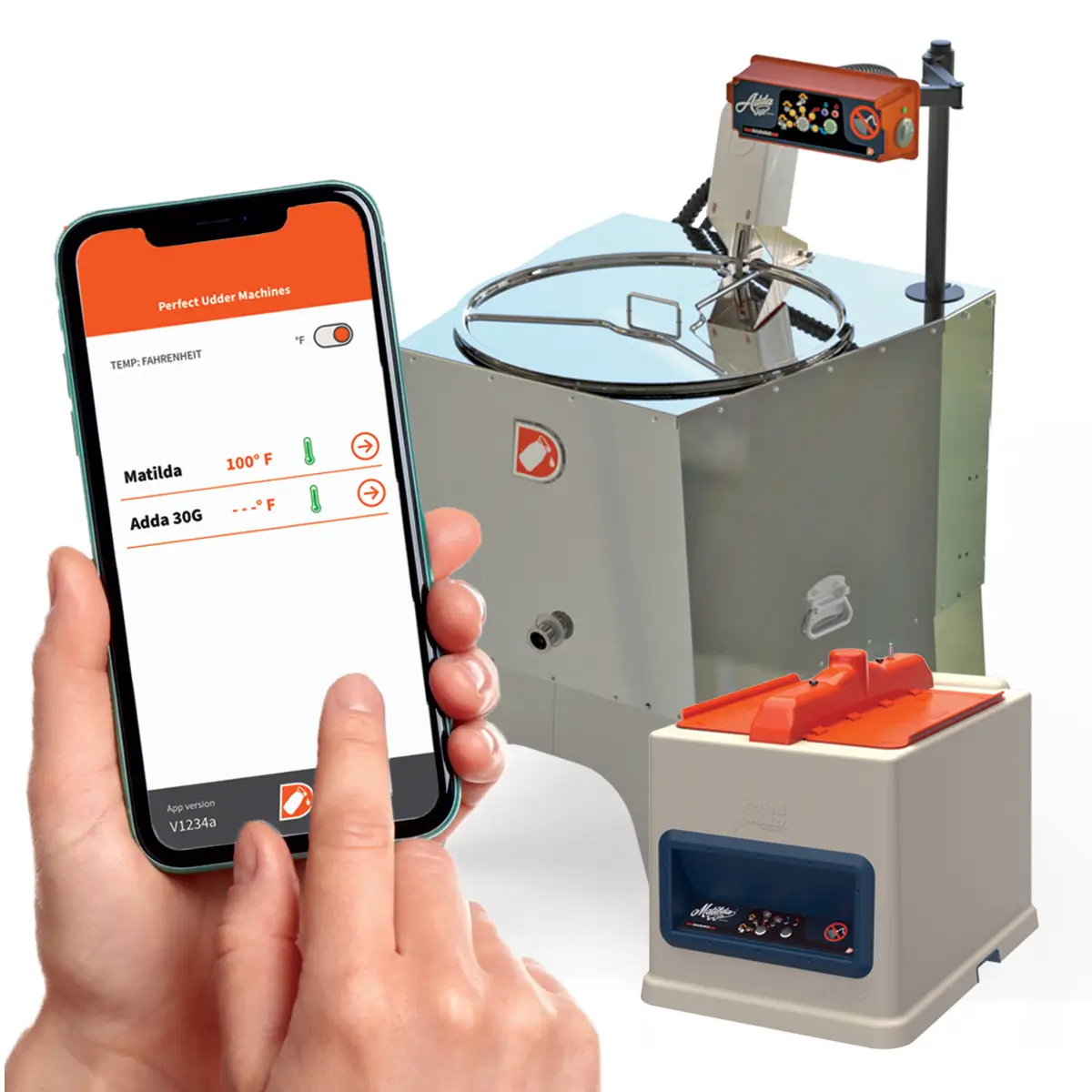
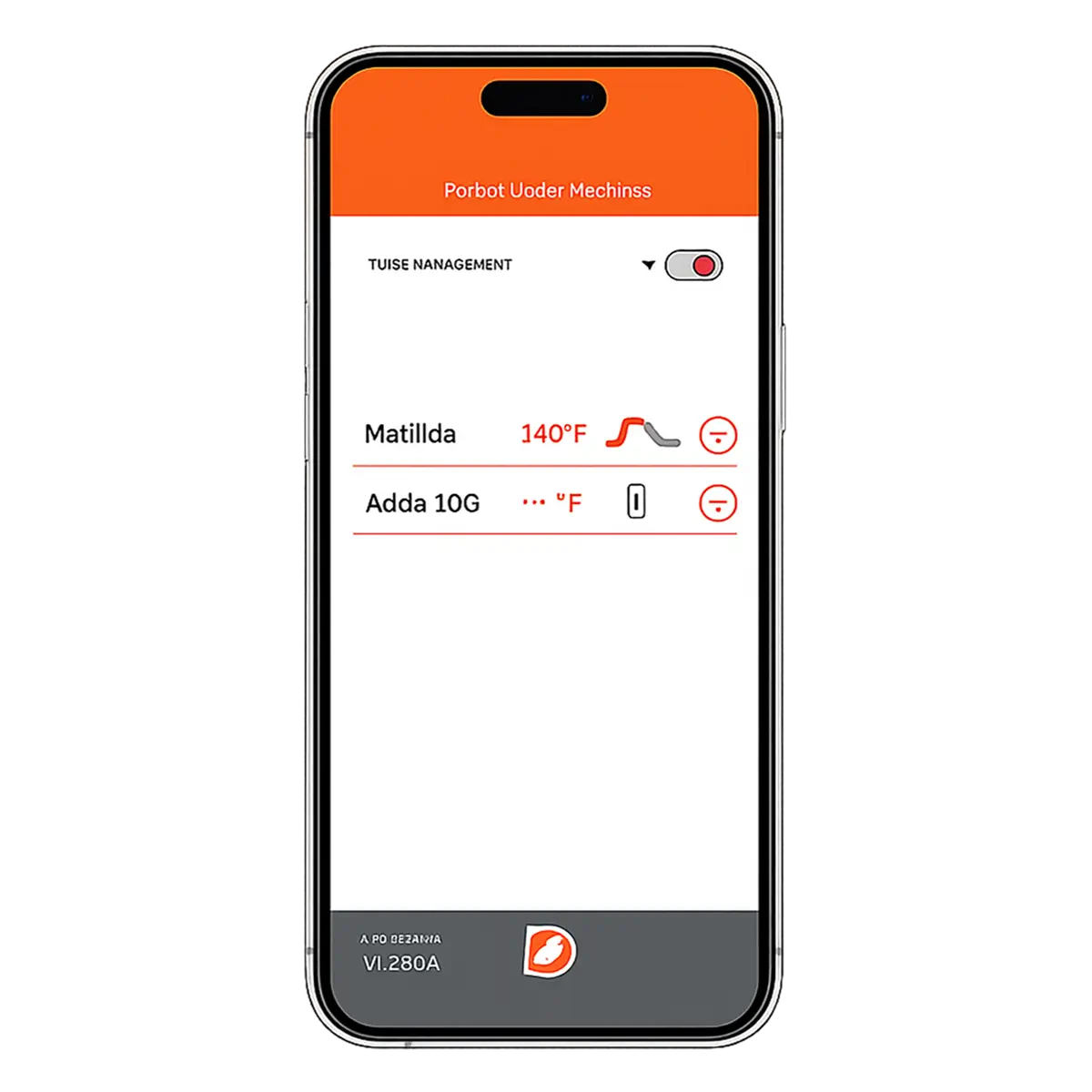
Upon launching the app, the information dashboard provides an overview of all active Dairy Tech equipment nearby. Instantly see machine statuses, temperatures, and more—all in one easy-to-navigate space.
Dashboard Highlights:
Temperature Format: Toggle between Fahrenheit and Celsius.
Machine Name: Easily identify which machines are on-line
Machine Status: Instantly see which machines are ready, in progress, or need attention.
Program Alerts: Stay updated on batch readiness, errors, and operational changes.
To interact with a specific machine, tap the arrow next to its name for detailed information and options.
Detailed Control at Your Fingertips
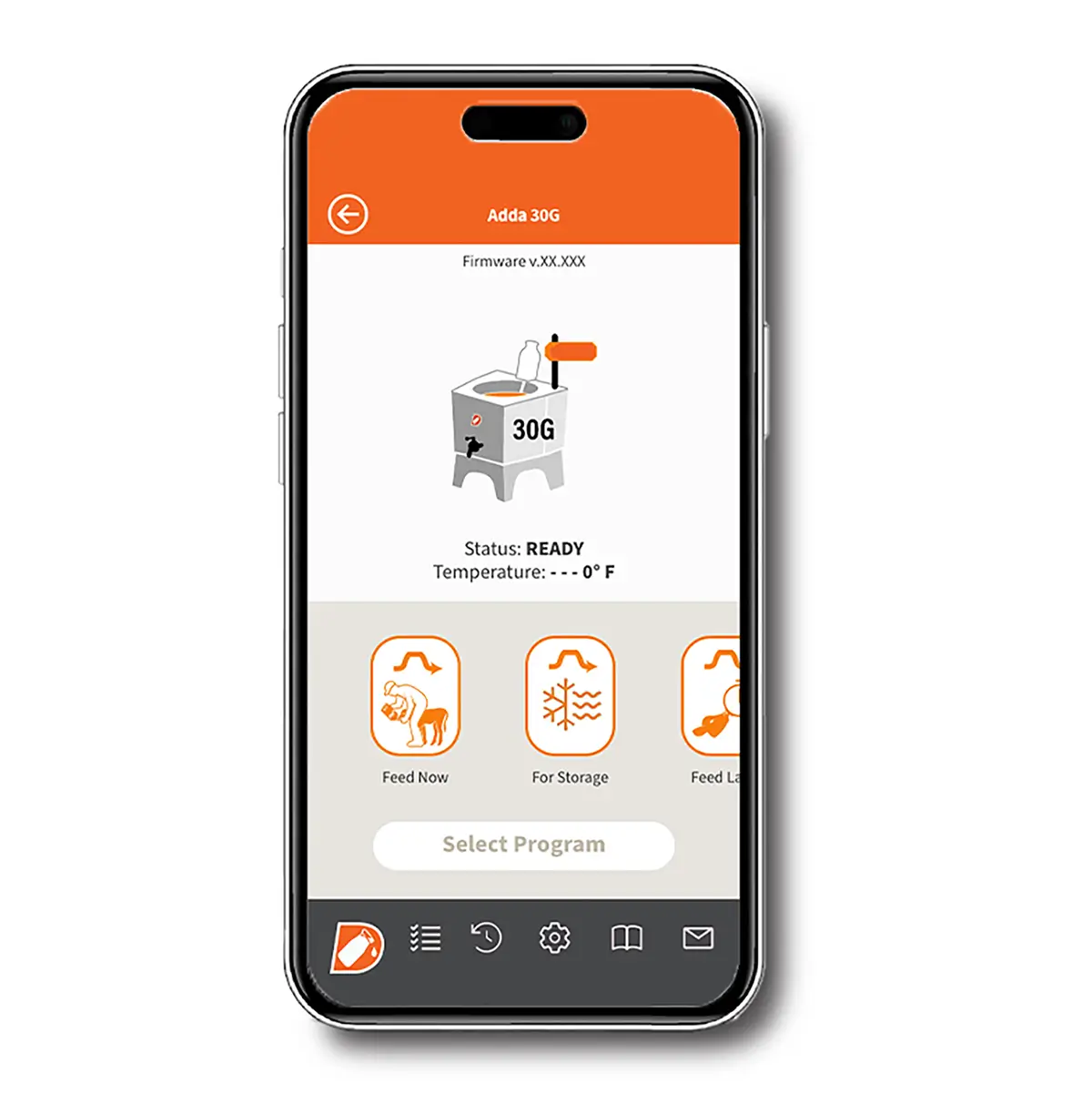
Selecting a machine from the dashboard brings you to a screen with comprehensive details:
Dashboard Highlights:
Firmware Version: Check the latest installed software version.
Operational Status: Know what stage your machine is in—Ready, In Progress, or Error.
Program Options: Choose from Pasteurize, Feed Now, or Store, and other custom settings.
Easily adjust these settings from the bottom menu options, including system tests, history logs, and contact support for any questions.
Optimize Performance with Test Mode
Ensure your machine is running optimally with the Test Mode function:
Dashboard Highlights:
HEAT: Checks heating elements and current draw.
MOTOR: Starts the motor to confirm functionality.
WATER: Tests the water valve during setup.
Simply tap HOME to exit or BACK to fine-tune additional settings.
Fine-Tune Your Settings
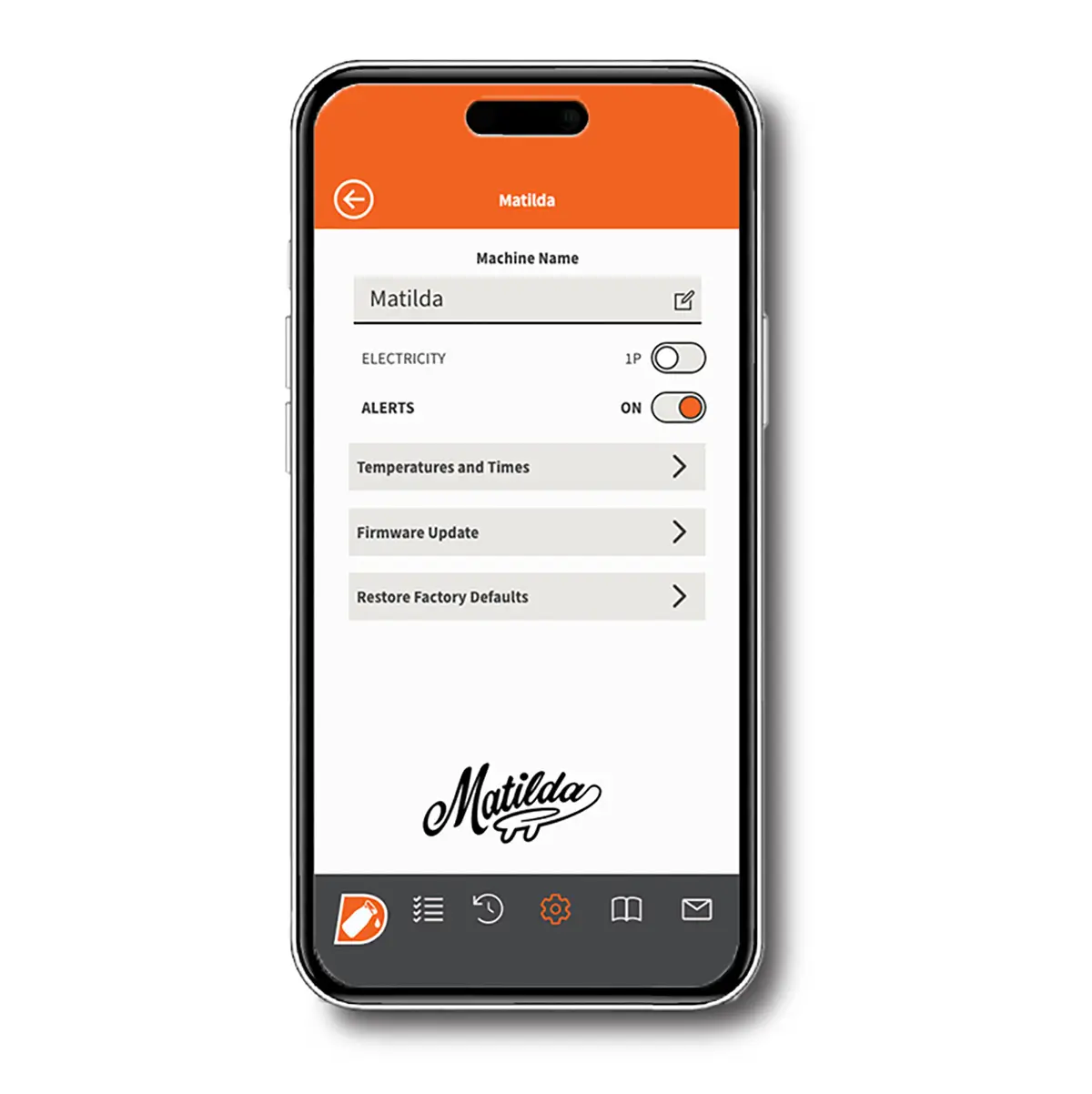
Set up your Adda machine just the way you like it by exploring the app’s Settings menu:
Dashboard Highlights:
Temperature Adjustments: Customize feed and pasteurization temperatures.
Alerts: Enable audible alerts for important batch notifications.
Machine Naming: Personalize your equipment for easier management.
Follow on-screen prompts to complete your setup, including password creation for security.
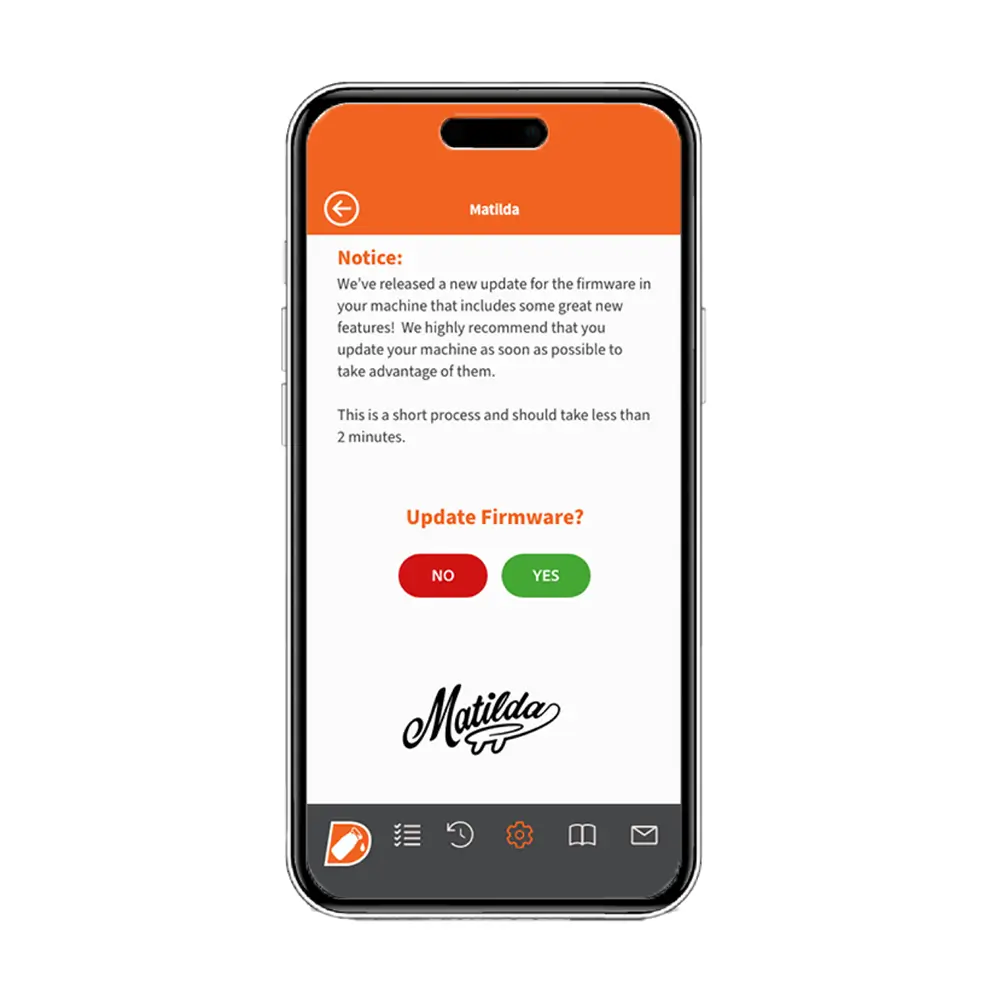
Keep Your Machine Updated
When firmware updates are available, an alert will notify you. Stay current by tapping FIRMWARE UPDATE to install the latest features and improvements.
Restoring Factory Defaults is also an option if you need to reset all settings—just be aware this action cannot be undone.